Native scale
4K video and raw hi-res photos sit on the canvas at full fidelity. No proxy thumbnails, no pre-cropping before you can think.
 ASYNTHETIC

A high-performance, locally friendly spatial canvas for organizing, visualizing, and refining media in pre-production. From 4K video to raw hi-res photos, frame, crop, and loop whatever you drop in, in real time.
v0.1.0Experimental previewmacOS, Windows, Linux
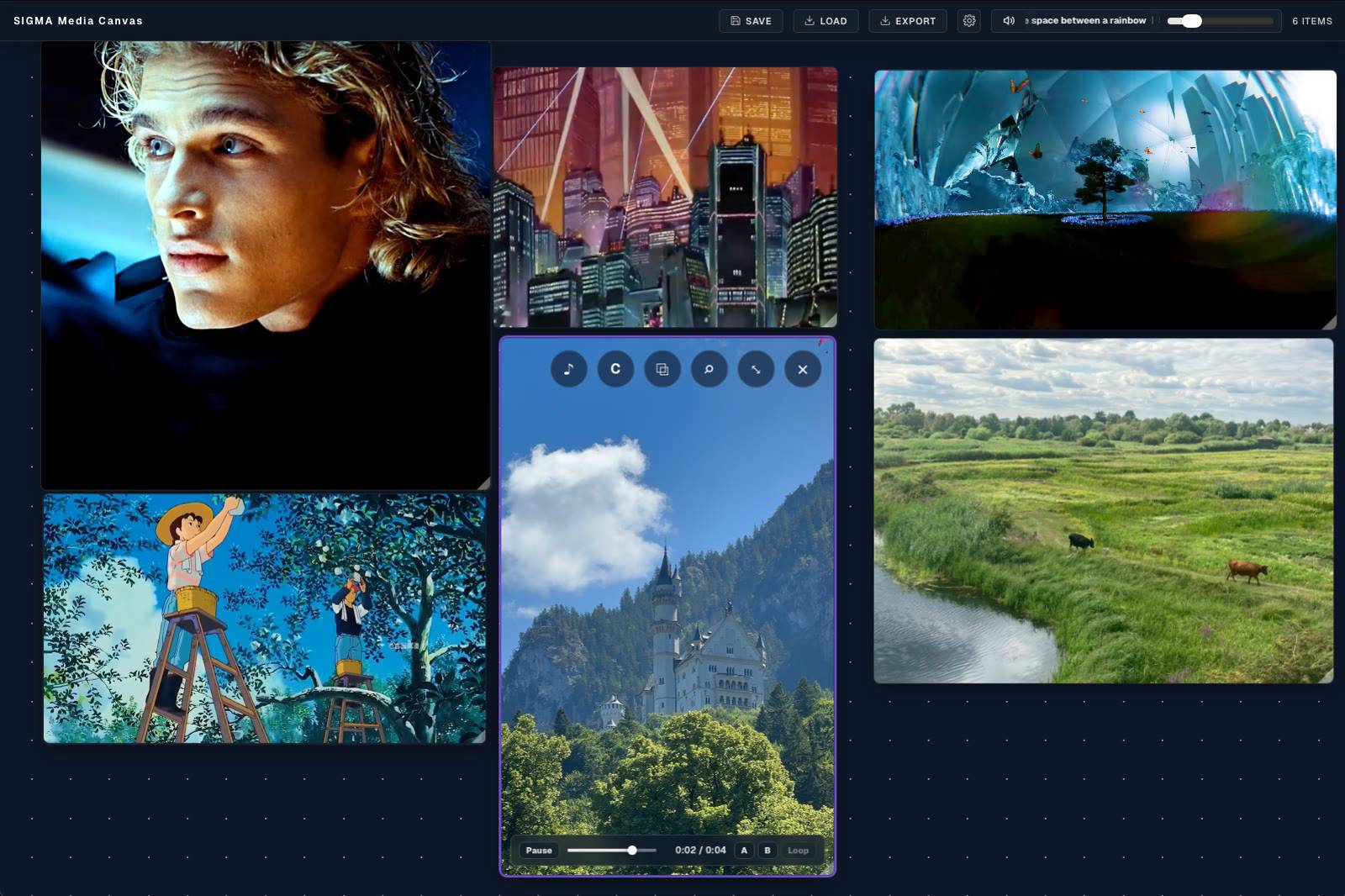
Folders flatten media into names and thumbnails. Sigma Canvas puts video and images in spatial state, as first-class objects you can see, move, and work on together.
4K video and raw hi-res photos sit on the canvas at full fidelity. No proxy thumbnails, no pre-cropping before you can think.
Frame, crop, scrub, and loop in place, in real time. The asset is the interface; there is no separate editor to open.
A Rust media pipeline runs on your machine. No account, no upload, and no server between you and your files.
A foundation for connecting human expression and intent with external AI tools and automated processing pipelines.
Film references, animation stills, and photography share one surface. This capture pans across the kind of mixed-media board Sigma Canvas is built for.
Everything below runs in the current Studio edition. Work in progress is marked.
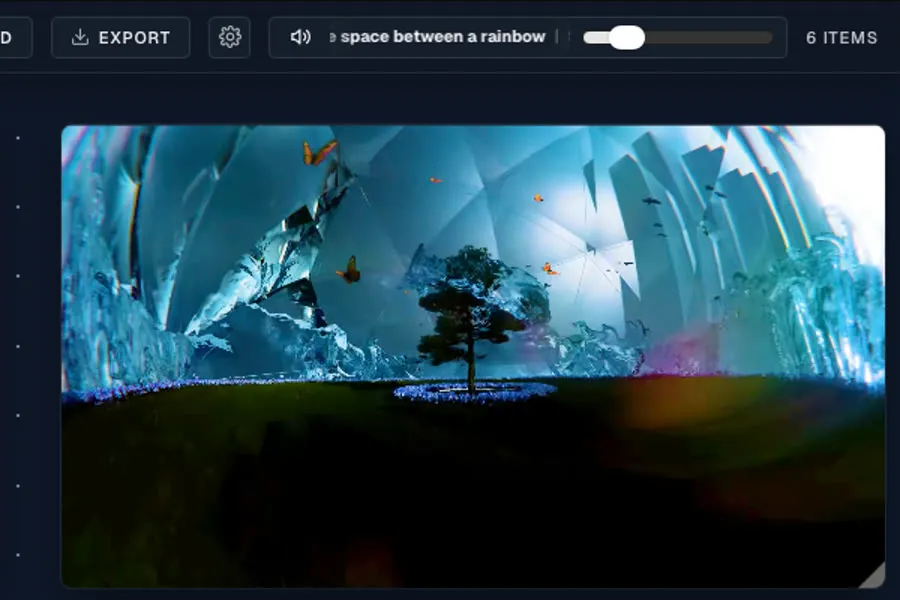
Video and images are arranged directly on an infinite canvas instead of sorted into folders. Position and grouping become the organizing structure.
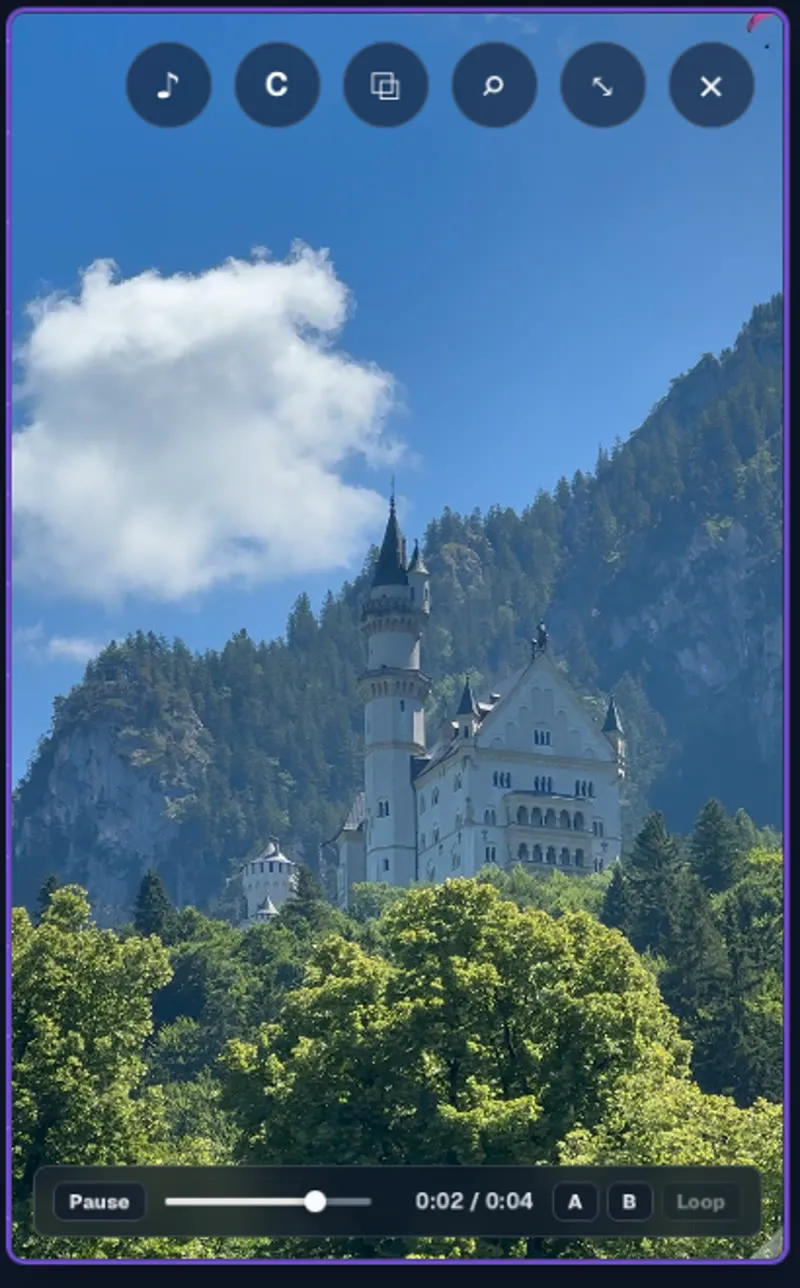
Media plays and edits where it sits. Each clip carries its own controls for framing and playback, so review happens on the canvas, not in a separate window.
Decoding, frame access, and export run through a Rust backend across Tauri's IPC boundary. Media stays on the machine it's opened on.

Every item's position, crop, and loop points can be saved and loaded back, so a workspace becomes a reusable template for recurring work.

Export is intentionally basic today: enough to get a clip out of the canvas and into your next tool.
Connect a local ComfyUI instance and see AI generation output appear on the canvas as it's produced. This is in active development: a preview of direction, not a shipped capability.
Where a linear file browser breaks down, and a canvas doesn't.
Lay out selects, references, and takes spatially to plan a cut before touching a timeline editor.
Review large batches of clips and images by eye, arranging them by similarity or quality instead of scrolling a directory listing.
Pull massive clips and stills side by side into a visual reference board, at native scale.
Assemble visual research and intel collections where position and proximity carry meaning a flat list can't.
Drop a batch of media down and think about it spatially, including results streamed in from a connected generation pipeline.
Sigma Canvas is an experimental, working preview, and main moves faster than tagged releases. Building from source is the recommended way to run it at its current preview stage.
The newest fixes, and integrations, built for your own machine:
# clone and install
git clone https://github.com/Asynthetic/sigma.git
cd sigma
pnpm install

# run with hot reload
pnpm run tauri dev

# or bundle a native app for your OS
pnpm run build
pnpm run tauri buildPrebuilt installers from the releases channel. Convenient, but they trail main so expect rough edges.
Experimental preview | published May 13, 2026
View releasesThe Studio edition covers core visualization and light editing. A planned Render Lab tier adds advanced capability for pros, technical needs, and lab applications still in progress.
A conventional web UI sits on a Rust media pipeline, connected through Tauri's IPC boundary rather than a network call.
Sigma Canvas is Apache 2.0 and developed in the open. If you work with lots of media, at a studio or on your own, tell us where it helps and where it breaks. Issues and pull requests are welcome too.